Salesforce and Zendesk on Bedrock Managed Knowledge Base, and the connector to pick instead
Quick summary: On 23 Sep 2026 AWS added Salesforce and Zendesk connectors. The managed Salesforce crawl is 4 entity flags, not the classic preview's 21 CRM objects. New customer-managed Salesforce connectors stop on 30 Sep 2026.
Key Takeaways
- On 23 Sep 2026 AWS added Salesforce and Zendesk connectors
- The managed Salesforce crawl is 4 entity flags, not the classic preview's 21 CRM objects
- New customer-managed Salesforce connectors stop on 30 Sep 2026
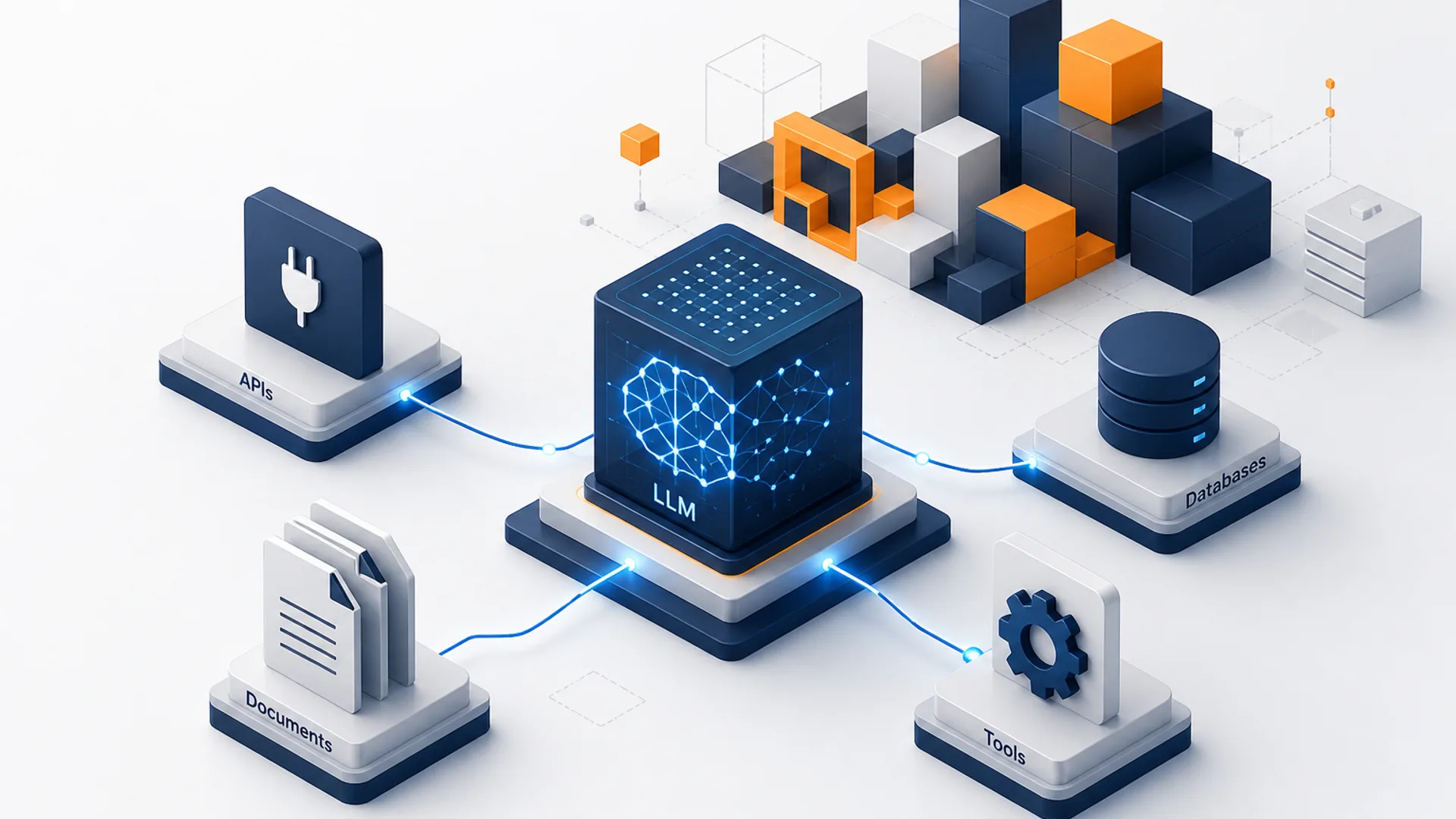
- On 23 Sep 2026, Amazon Bedrock Managed Knowledge Base added native connectors for Salesforce and Zendesk
- HTML you already publish, SharePoint, and S3 are the web crawler post
Table of Contents
On 23 Sep 2026, Amazon Bedrock Managed Knowledge Base added native connectors for Salesforce and Zendesk. Salesforce syncs Knowledge articles. Zendesk syncs help center articles and community posts. Both crawl, extract metadata, and run incremental sync from credentials you store in Secrets Manager. Neither one is a dump of the CRM or the ticket queue.
ServiceNow is the other support-desk connector on the same connect pages, and it has the same ACL gap. Box is the one in this set that can keep a document ACL, and only if you turn that on at create time. HTML you already publish, SharePoint, and S3 are the web crawler post. This page does not repeat that guide.
Reproduce this — Copy
salesforce-managed-connector.json,zendesk-managed-connector.json,servicenow-managed-connector.json, andconnector-choice.csv. Replace the account id, host, secret, and category or label before you callCreateDataSource. The samples crawl published articles only.
Checked against the Bedrock User Guide on 24 Sep 2026. Customer-managed vector stores stay in the classic RAG pipeline post.
What each connector actually ingests
CreateDataSource is asynchronous. Status moves from CREATING to AVAILABLE. Set type and connectorType to the same value and version to "1".
| Connector | Crawls | Does not crawl | Document ACL |
|---|---|---|---|
| Salesforce | Knowledge articles, optional attachments, archived articles, Documents | The other 21 classic object types, including Case, Lead, Opportunity, Contact, Account | No |
| Zendesk | Help center articles, optional attachments, community posts | Tickets and ticket comments | No |
| ServiceNow | Knowledge articles (kb_knowledge), service catalog items (sc_cat_item), optional attachments | Incidents and requests | No |
| Box | Files the app or user can see | — | Yes, if aclEnabled is true at create time, and only with Client Credentials Grant |
Salesforce accepts *.my.salesforce.com and *.lightning.force.com. The host must match instanceUrl in the secret (clientId, clientSecret, instanceUrl). Auth is OAUTH2 only.
Zendesk is one subdomain per data source. Category, section, and topic ids are the numbers in the help center URL. inclusionLabelNames keeps only articles and posts that carry those labels.
ServiceNow can restrict the crawl with crawlPublicKnowledgeArticlesOnly. AWS says filtering by sys id on a large instance significantly reduces sync time. No percentage is published, so do not budget a speedup you have not measured.
Opinion: For a customer-facing support assistant, use Zendesk articles with a public label, attachments off, and crawlCommunityPosts false until someone has read the community. For sales enablement, use Salesforce Knowledge with category operator AT, and leave documents and archived articles off. If two employees must not see the same file, do not use Salesforce, Zendesk, or ServiceNow. Use Box with authType CCG and aclEnabled true. aclEnabled cannot be changed later. Flipping Box from OAuth 2.0 to CCG is an update. Adding ACLs is a new data source. SharePoint, OneDrive, and S3 stay the ACL path when the files are not in Box — that choice is already in the web crawler post.
The classic Salesforce preview connector still lists these object types: Account, Attachment, Campaign, ContentVersion, Partner, Pricebook2, Case, Contact, Contract, Document, Idea, Lead, Opportunity, Product2, Solution, Task, FeedItem, FeedComment, Knowledge__kav, User, CollaborationGroup. That is 21. The managed connector’s dataEntityConfiguration has 4 booleans. A filter written for objectType: Case does nothing on the managed connector.
The 30 Sep 2026 cutoff
The classic Salesforce page says that starting 30 Sep 2026, new connectors for Confluence, Microsoft SharePoint, Salesforce, and Web Crawler will no longer be created on customer-managed knowledge bases. Existing connectors of those types keep ingesting and retrieving. The classic Salesforce connector remains preview, OpenSearch Serverless only, and without multimodal parsing (tables, charts, images).
If the corpus is Cases and Opportunities, create that classic connector before the cutoff or export the objects to S3 and use the S3 connector. After the cutoff, the managed Salesforce connector will still not grow those objects for you.
Deletion protection is separate. The threshold is 0–100 and defaults to 15. A sync that would delete more than that percentage of the index skips its delete phase. Stale articles stay retrievable. The Custom connector does not support this control. The samples set the threshold at 15 so the default is visible in the file you edit.
Box’s documented default file cap is 500 MB. The Salesforce and ServiceNow parameter pages use "500" as the example, not as a stated default. The Zendesk page’s example is "10240" (10,240 MB). The samples in this post set 50 MB so a first sync cannot pull every attachment. Raise it after you know the file sizes.
Create the data source
AWS CLI v2, Agents for Amazon Bedrock build-time endpoint. Replace the knowledge base id. The JSON is the sample, not your production scope.
aws bedrock-agent create-data-source \
  --name "Zendesk-connector" \
  --knowledge-base-id "your-knowledge-base-id" \
  --data-source-configuration file://zendesk-managed-connector.json
Swap the file for salesforce-managed-connector.json or servicenow-managed-connector.json. Sync with StartIngestionJob after status is AVAILABLE. Daily, weekly, or monthly syncSchedule has been available on native connectors since 4 Sep 2026. Omit it to sync on demand.
What broke (AWS-documented) — Salesforce, Zendesk, and ServiceNow state in the connector next-steps section that they do not support document-level access control. Anyone with permission to query the knowledge base retrieves every crawled article. Detection: an internal-only article appears for a principal who should not see it. Recovery: narrow the crawl to a public category, label, or
crawlPublicKnowledgeArticlesOnly, or move the files to Box withaclEnabledtrue. You cannot add an ACL to these three connectors after the fact.
CheckIngestedDocumentAcl and GetIngestedDocumentAcl (9 Sep 2026) apply to ACL-enabled sources such as Box. They do not invent permissions the Salesforce connector never stored.
What to Do This Week
- Fill
connector-choice.csv. If readers differ, stop. Salesforce, Zendesk, and ServiceNow are the wrong row. - If you still need classic Salesforce objects (Case, Lead, Opportunity), create that customer-managed connector before 30 Sep 2026, or plan the S3 export.
- Start with articles only. Leave attachments, archived articles, documents, community posts, and the service catalog off.
- Put the secret in the same Region as the knowledge base. Match
hostUrltoinstanceUrl. - Run one sync. Count indexed items against the category, label, or sys id you meant to include. A green sync that indexed the whole org is a missing filter, not a success.
- Leave deletion protection at 15 until you have counted how many documents the next filter change removes.
What This Post Doesn’t Cover
Retrieval price, embeddings, chunking, and the GA Region list — those stay in the web crawler post. Confluence Data Center, announced 9 Sep 2026: the Confluence Cloud connector page still says Server and Data Center are not supported on that connector, and this post does not restate the Data Center API. We did not run a sync against a Salesforce, Zendesk, or ServiceNow org. The 21 and 4 counts are the object lists on the two Salesforce pages. The 15 percent figure is the published deletion-protection default.
AWS Cloud Architect & AI Expert
AWS-certified cloud architect and AI expert with deep expertise in cloud migrations, cost optimization, and generative AI on AWS.